

Remi for iPhone and Android
Carry on with Remi away from your desk.
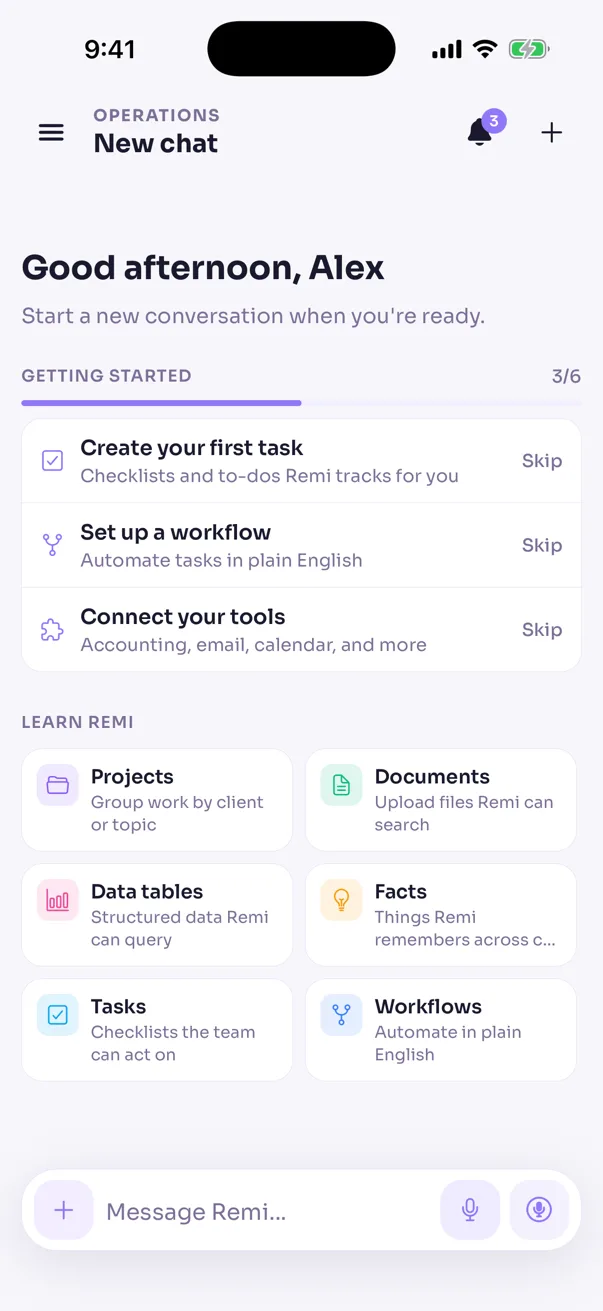
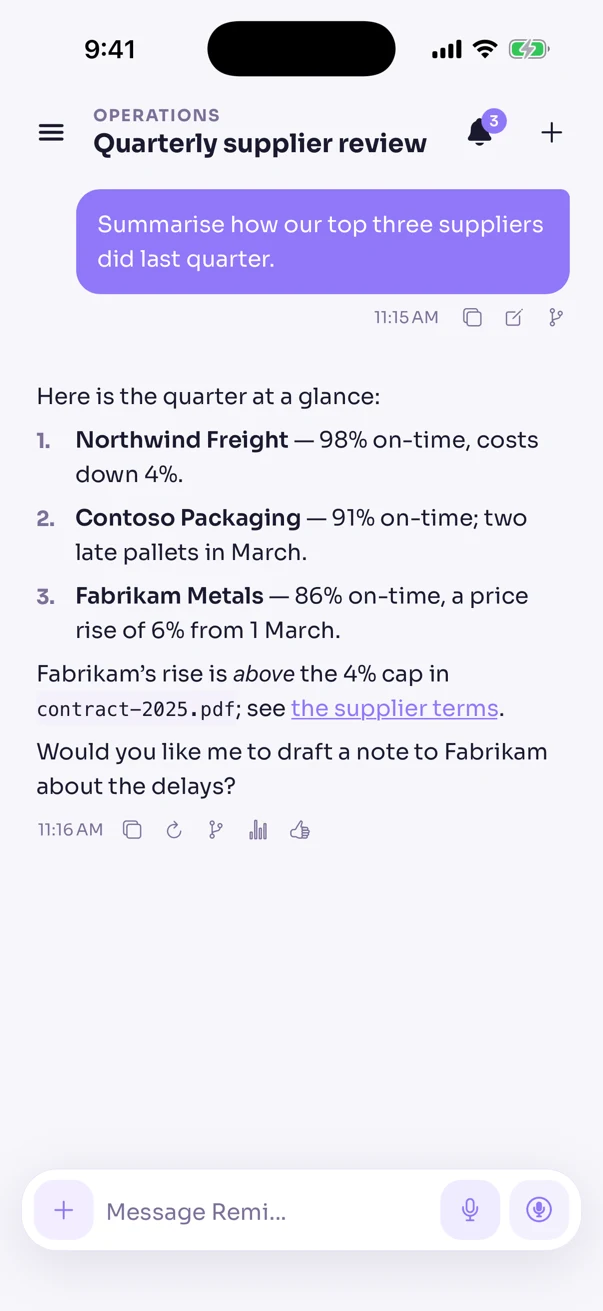
Your chats, tasks and documents from the web are on your phone too. Pick up a conversation or talk instead of typing, and answer Remi when it asks before doing something.
Scan this with your phone's cameraScan to open this page on your phoneremiapp.ai/apps/mobile
What it does
Everything in your workspace is on your phone too.
I started this at my desk and finished it on the train.
Pick up chats from the web and Remi Desktop
Chats you started on the web or in Remi Desktop are on your phone too, and you can steer a folder session on your computer from here.Say yes or no from your phone
When Remi wants to send an email, change a table or change files on your computer, it asks you first. You can answer from your phone, and see a file change before you allow it.The rest of your workspace
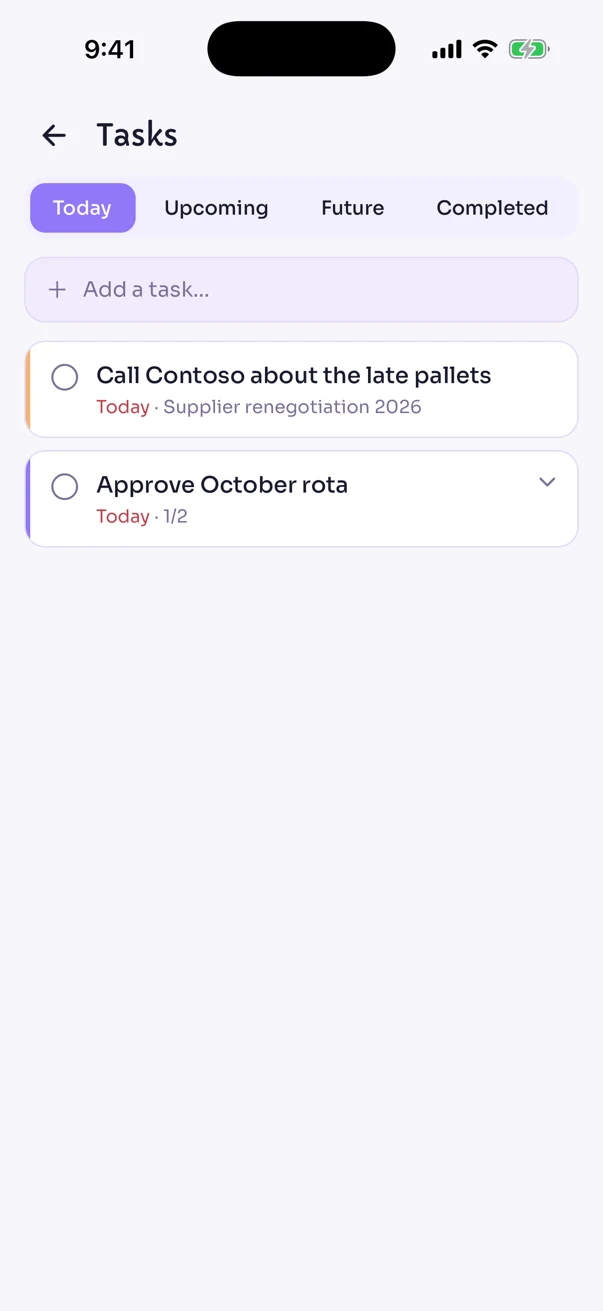
Today's tasks are there, along with your documents, projects, workflows and connected apps, and you can edit your sheets on the phone.
Talk instead of typing
Talk to Remi and it can read the answer back.
Use your voice when typing is awkward, and listen to Remi on your way home.
- Hold to send a voice message, and it's written out in the chat.
- You can dictate straight into the message box.
- Remi can read its answers aloud in the voice you choose.
Before you install
- What you need
- It runs on iPhones with iOS 15.1 or later and Android phones with Android 7.0 or later. You'll also need a Remi account.
- Signing in
- Sign in with the email you use on remiapp.ai and Remi sends you a code, or use your Google account. You'll see all your workspaces once you're in.
- Updates
- Each new version installs over the one you have, and your chats are where you left them.
- Uninstalling
- Delete the app as you would any other. Your chats and documents stay in your Remi account.
Everywhere
Other places you can use Remi
- Remi DesktopOn your Mac or PCDownload
- Remi CLIIn your terminalInstall
- Remi for your browserBeside the page you're onAdd to your browser
- Remi for iPhone and AndroidOn your phoneYou're here
- Text RemiIn WhatsAppRead about it
Get Remi on your phone.
Get it from the App Store or Google Play, and sign in with the account you use on the web.
 Remiremiapp.ai