
Media Studio
Product shots and ads, without a photographer
Describe the picture or the clip and a batch comes back, made with your real products and your logo exactly as they are. Your team approves the ads, and they go to Meta without anyone leaving Remi.
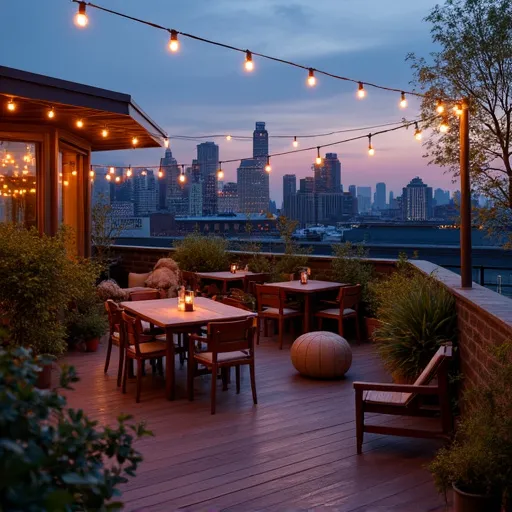

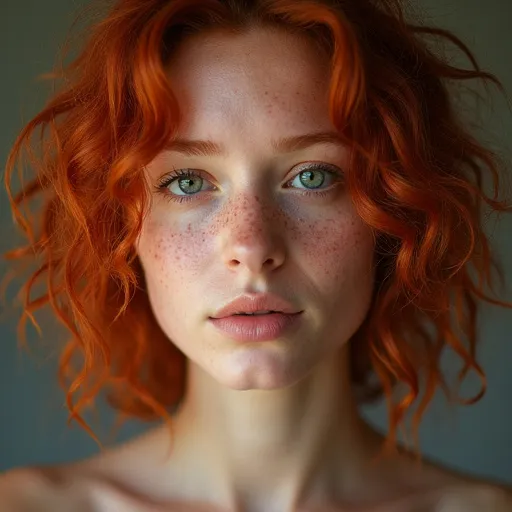
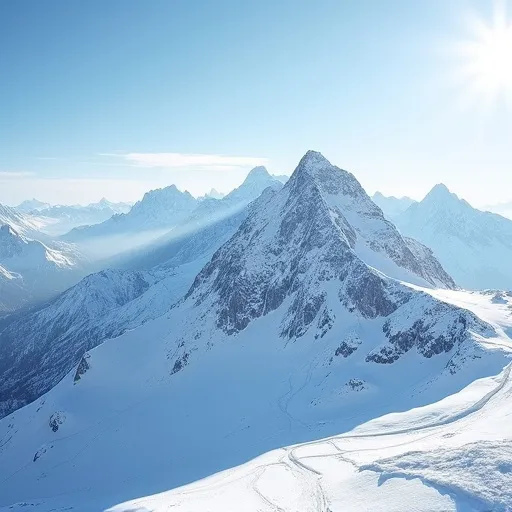
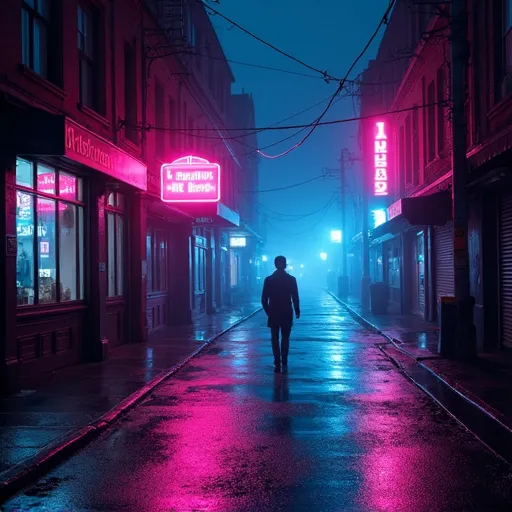
Every model
Pick the model, or let Remi pick for you
Each model is good at something different, so the studio lists them by what they do well, and Auto picks one for each request. All of them are on the same Remi bill, with no account of your own to open with any of them.

Your products
Your product and your logo, exactly as they are
Save your products, logo, colours, places and people as references the whole workspace can use. A product comes back as it really is, your logo is never redrawn, and with “Use my brand” switched on your palette and mark go into every picture.
Fixing it
Change the part that's wrong, and keep the rest
Paint over it and say what to change
Brush over the part that's wrong and describe the fix. Only that part is redrawn, and a picture can be stretched past its edges for a wider crop.Background off, four times the size
Lift the background off a product shot for the shop, or upscale a picture to four times its size for print.From a still to a clip
Kling 3.0 turns a picture into a short clip with its own sound, and the studio adds a voiceover, music or sound effects to go with it.
Campaigns
From the plan to Meta, with your team saying yes
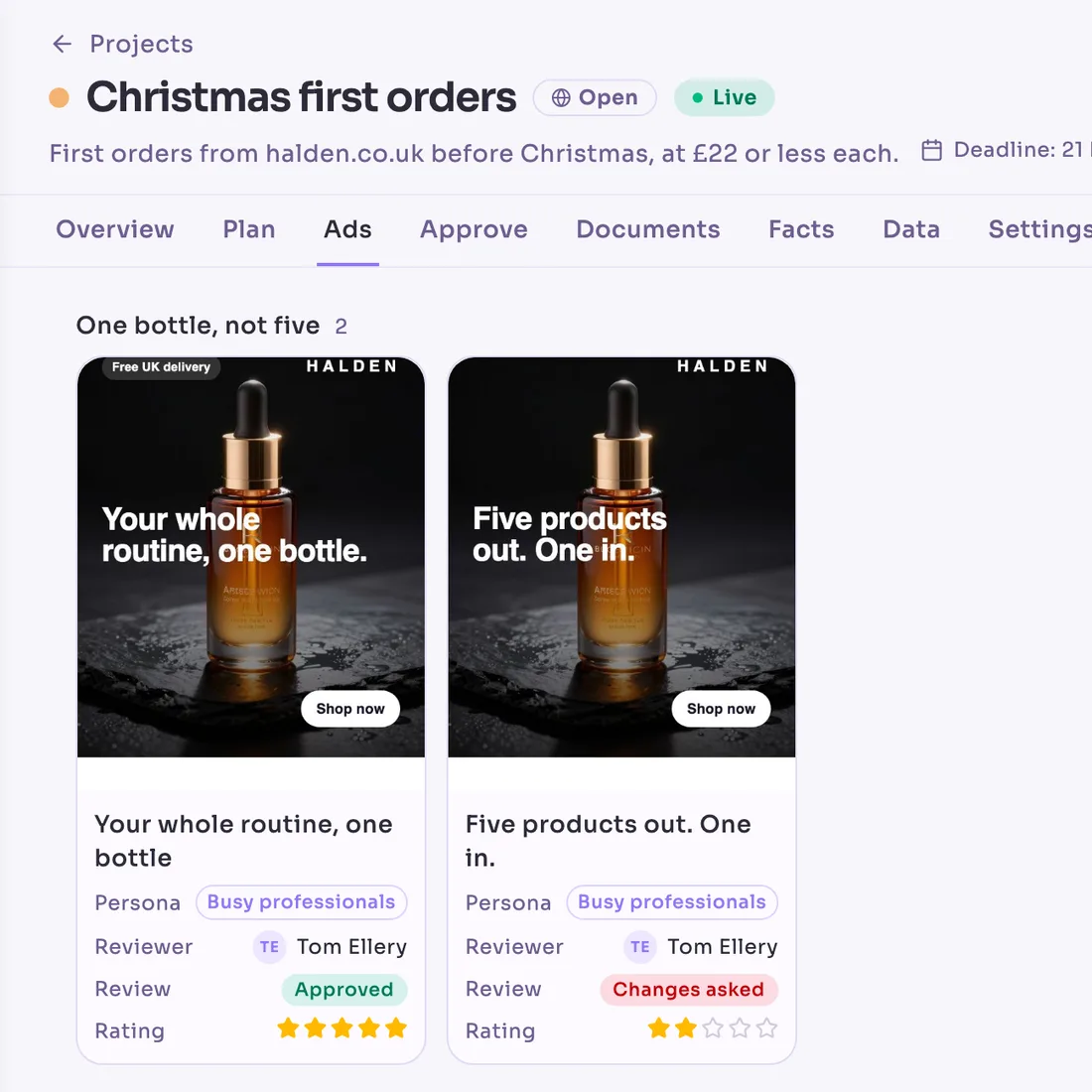
A campaign lives in a project. Remi works out who it's for and what to say to them, writes the ads, and sends each one to a reviewer, whose yes or no is saved with their name and the time. Approved ads become designs sized for every placement and arrive in your Meta ad account switched off.
Nothing spends until you say yes.
Switching ads on spends money, so Remi always shows you the budget and dates and asks first. It never does this on Autopilot or in a scheduled workflow.
- 1PlanWho it's for, and what to say to them
- 2AdsWords and a picture for each angle
- 3ApproveA yes or a no, with a name and a time
- 4DesignsSized for every place the ad runs
- 5LiveSwitched on after you agree the spend
Before you ask
What it costs
When a render fails
Where it all goes
Sizes
Charts
- What it costs
- Pictures and video come out of the workspace's monthly allowance, with no separate bill. Before a video starts, Remi tells you what share of the month it will use.
- When a render fails
- If a picture or a clip fails to generate, nothing is taken from your allowance.
- Where it all goes
- Every picture is kept with its prompt and model in a library the team shares, and can be filed in Documents or sent with a link.
- Sizes
- Pictures come square, landscape or portrait, and video comes in 720p in the same three shapes.
- Charts
- An image model makes up the numbers on a chart, so when you ask for one Remi offers to draw a real one in a document instead.
Your next product shot, no studio booked
Start free, save your logo and a product as references, and describe the shot.
 Remiremiapp.ai
Your workspace lives in the EU and is never used to train a model.