Remi apps
Remi on your computer and phone, and in your browser.
There's also a CLI for your terminal, and texting Remi on WhatsApp is in early access. It's all one account, so a chat you start in one app is there in the others.
v0.18.04 NovemberWhat's new
The apps
What each app is for
Pick the ones that suit how you work. They share one Remi account, so there's nothing to set up twice.
- On your Mac or PC
Remi Desktop
Chat, or hold one key to dictate into any app. When you allow it, Remi works on the files in a folder.
See all downloads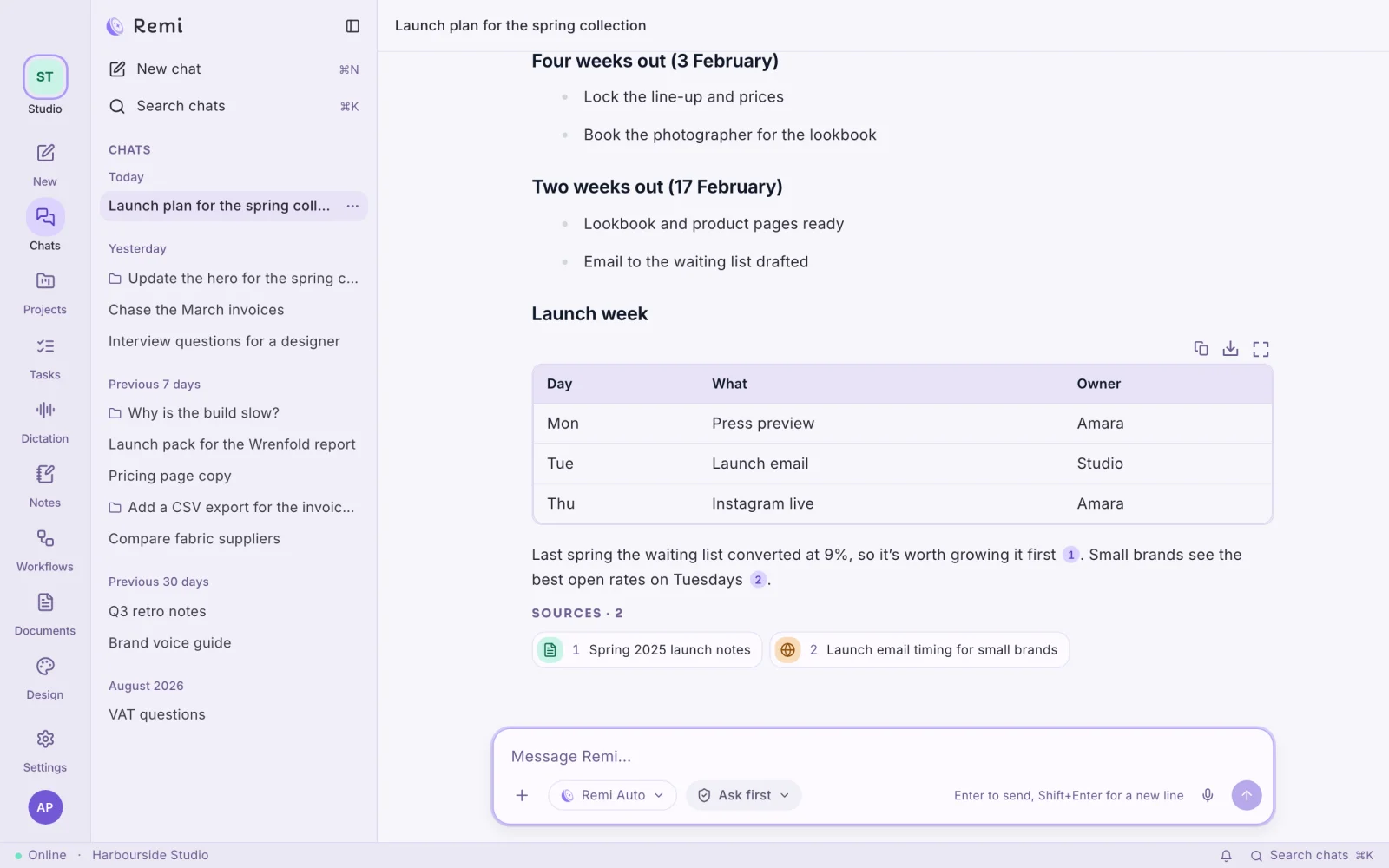
- On your phone
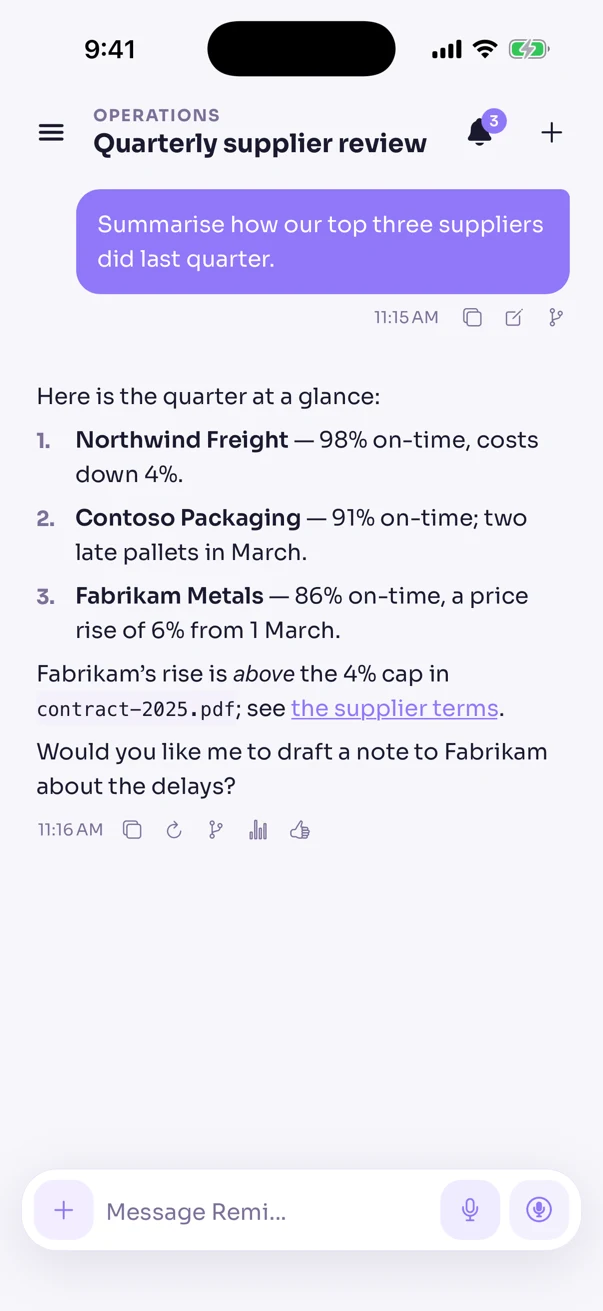
Remi for iPhone and Android
Ask on the go and approve what Remi wants to do on your computer. Talk to it when typing is awkward.
- iPhone
- Android
- In your terminal
Remi CLI
Run it in any folder and Remi works on the code there. It asks you before it changes anything.
- Mac and Linux
curl -fsSL https://remiapp.ai/install.sh | sh - Windows
try { [Net.ServicePointManager]::SecurityProtocol = [Net.ServicePointManager]::SecurityProtocol -bor 3072 } catch {}; irm https://remiapp.ai/install.ps1 | iex
~/shop — remi - In your browser
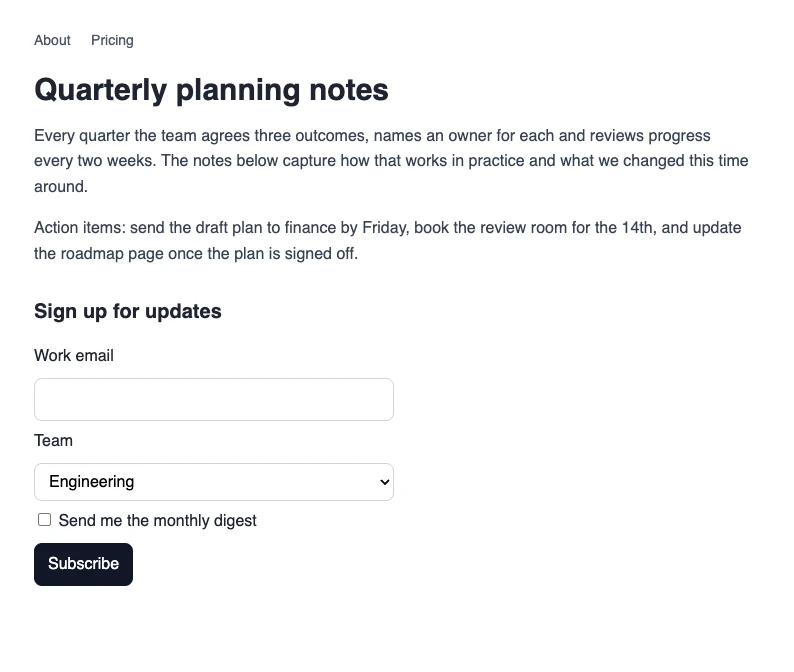
Remi for your browser
Ask about the page you're on and save the parts you want to keep. Remi can also work in your tabs for you.
Quarterly planning notesnotes.brightwell.studio/q3-planning

- On WhatsApp
Text Remi
Message Remi the way you'd message a colleague, and the answer comes from your own workspace.
- WhatsApp
Works in the EU, Iceland, Liechtenstein and Norway.
How to get startedRemiYour workspace- Where are we with Dunmore's quote?10:12
- 10:12Dunmore's blockwork quote was £18,400, sent on the 24th, and nobody has replied. Shall I draft a follow-up?
Pick up on another screen
Your work carries on when you step away.
I approved this from my phone.
- Your chatsChats from the web, your phone and Remi Desktop all sit in one list. Work in a folder stays with the app that's running it, but you can steer it from anywhere.
- Your workspaceYour projects, documents, models and connected tools are the same on the web, your phone, Remi Desktop and the browser panel, and so is your team's workspace. It lives in the EU and is never used to train a model.
- Approve things from your phoneWhen Remi needs your OK for something on your computer, you can give it from your phone, wherever you are.
- The folder you're working inA folder session on your computer keeps working while you steer it from your phone or the web. The folder stays on your computer, and Remi reaches it through the app that has it open.
Start with one app, and add the others as you go.
Remi Desktop is a good place to start. Your workspace comes with you to the web, your phone, Remi Desktop and the browser panel.
Remiremiapp.ai